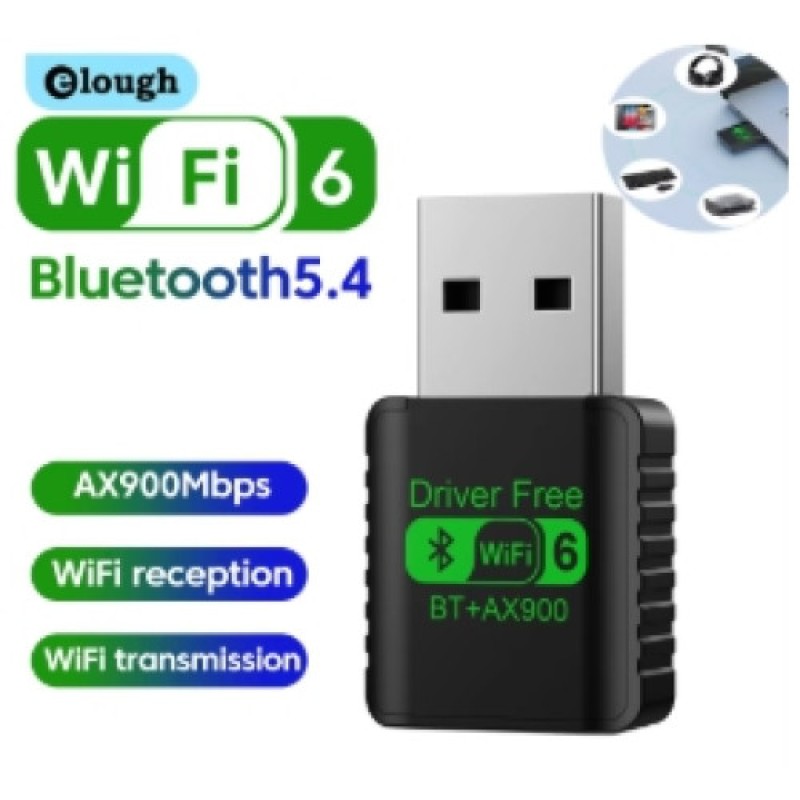
WiFi 6 AX900 Bluetooth 5.4USB Adapter Driver Free
- Product Code: Wifi 6
- EAN: 8625072199005
- Availability: 100
WiFi 6 AX900 Bluetooth 5.4 USB Adapter Driver-Free – Dual-Band Wireless Dongle
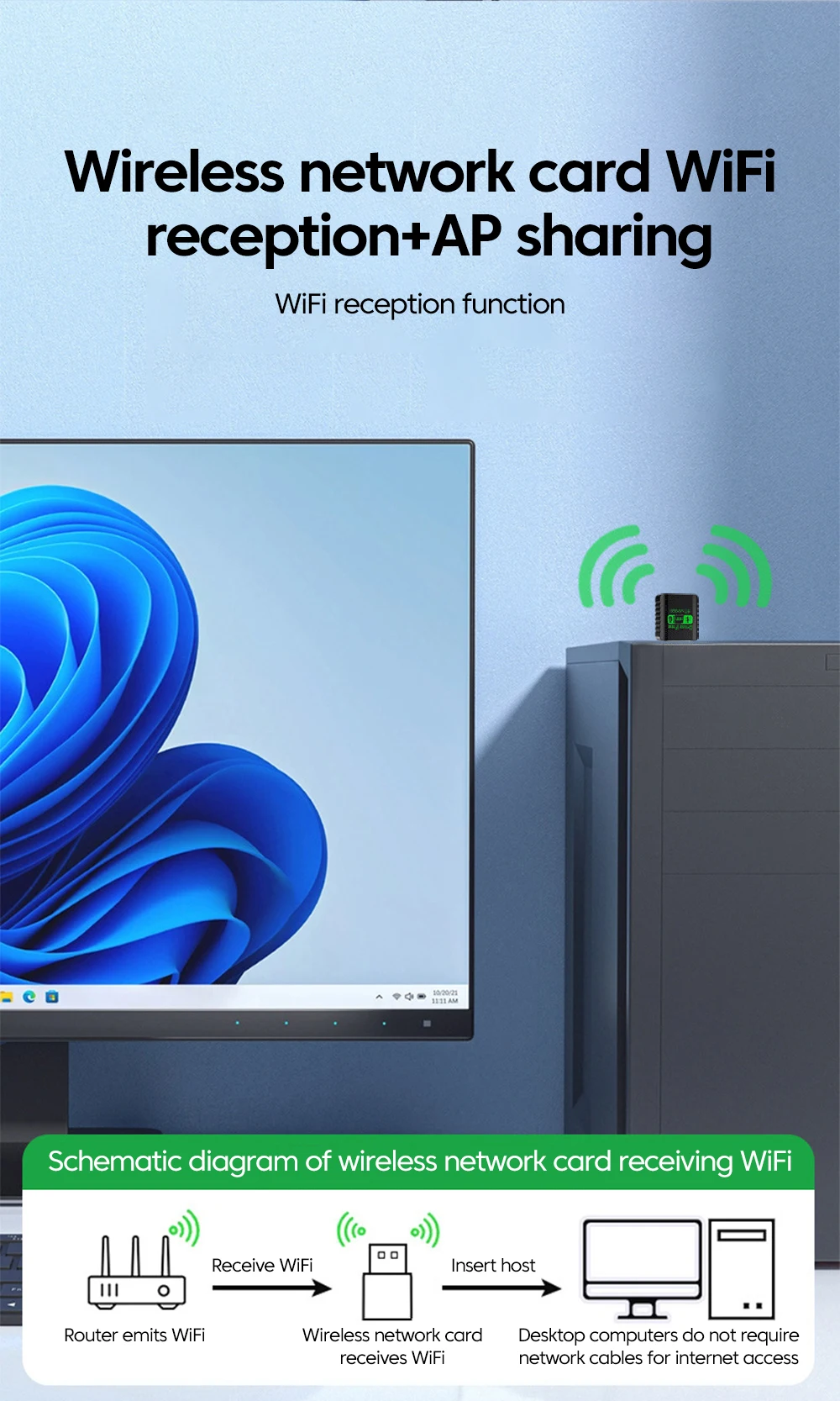
Upgrade your desktop PC or laptop with high-speed dual-band wireless networking and next-generation Bluetooth audio and peripheral connectivity using the 2-in-1 WiFi 6 AX900 & Bluetooth 5.4 USB Wireless Adapter (Driver-Free Auto-Install). Engineered with modern 802.11ax technology, dual-band channel switching, and ultra-responsive Bluetooth 5.4 transmission, this compact USB dongle delivers smooth online gaming, buffer-free 4K/HD streaming, and zero-drop audio sync across all your wireless accessories.
Featuring an integrated internal driver-free auto-installation chip, it eliminates the hassle of searching for CDs, manufacturer websites, or internet-dependent driver downloads—simply plug it into any available USB port and get connected immediately.
Key Features & Specifications
-
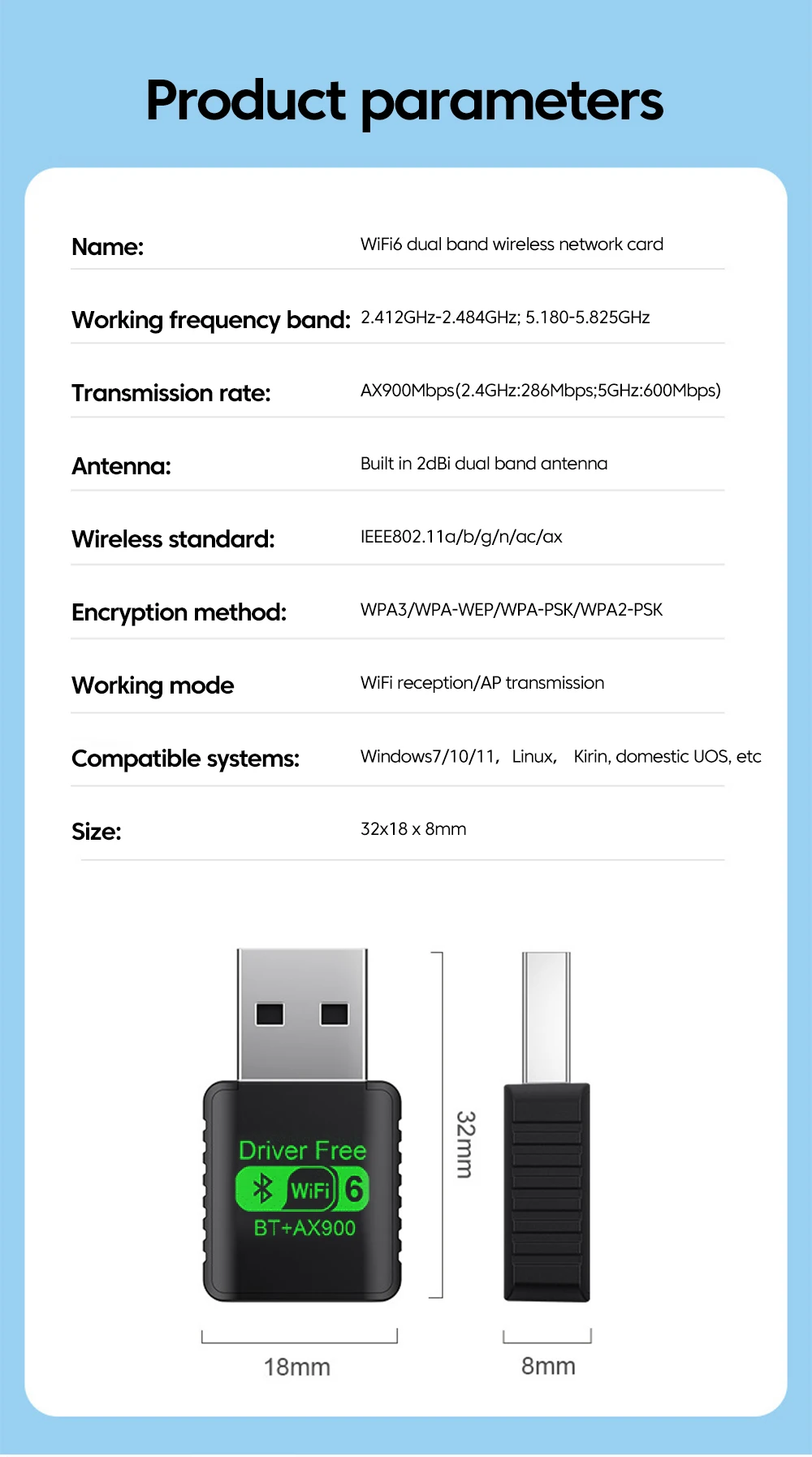
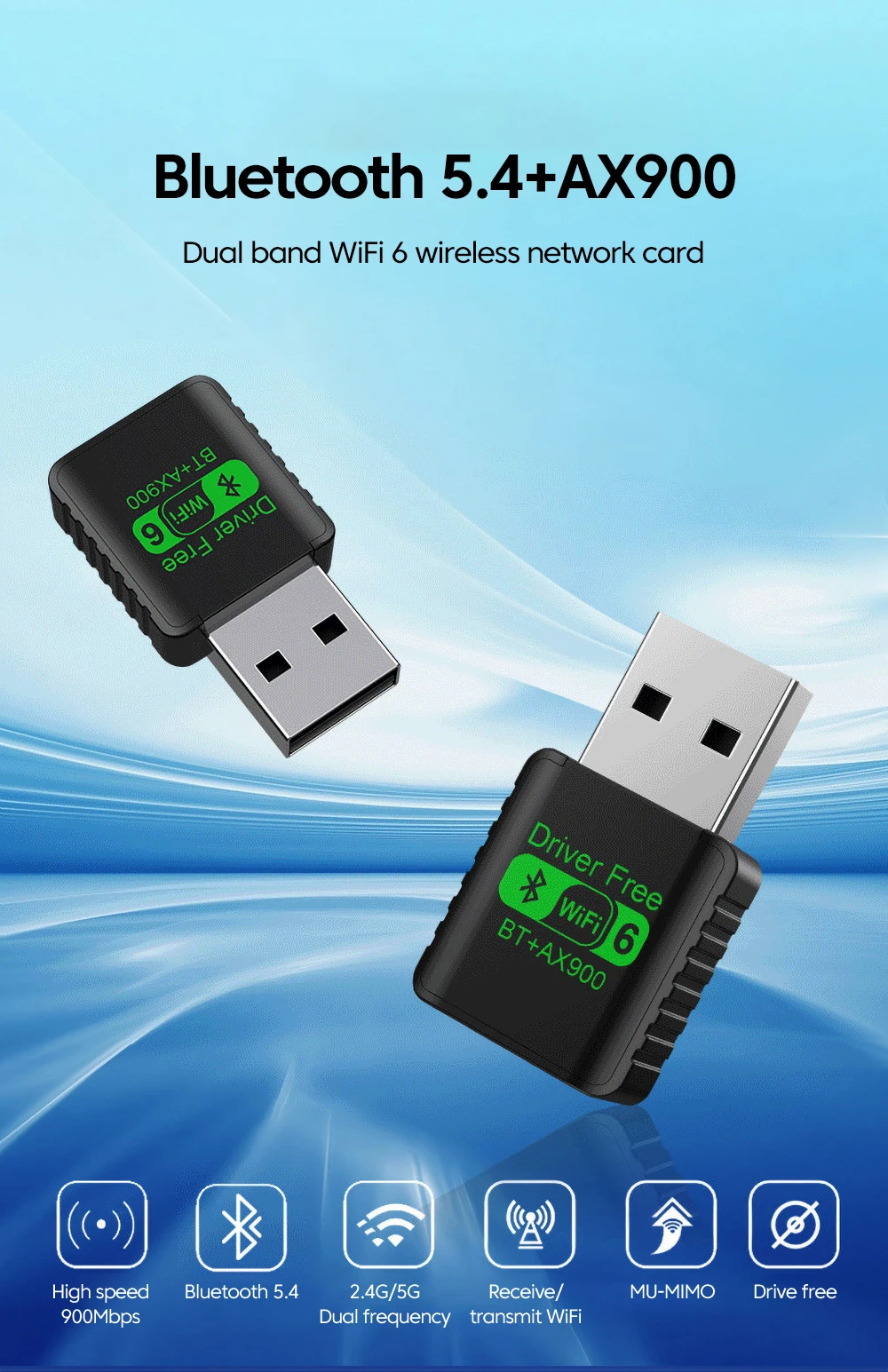
Product Type: Dual-Band WiFi 6 (802.11ax) + Bluetooth 5.4 2-in-1 USB Wireless Adapter.
-
Next-Gen WiFi 6 (802.11ax) Architecture:
-
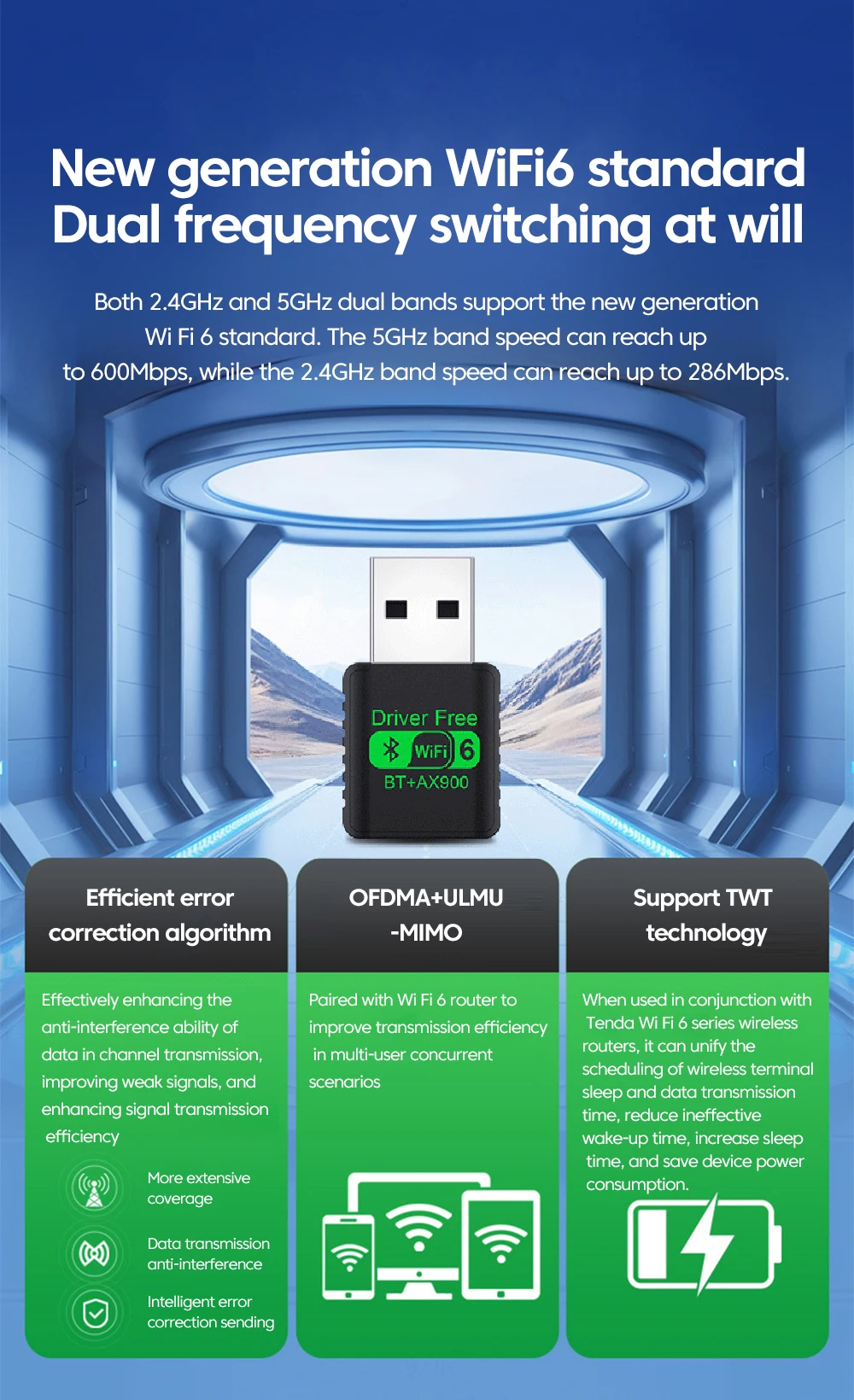
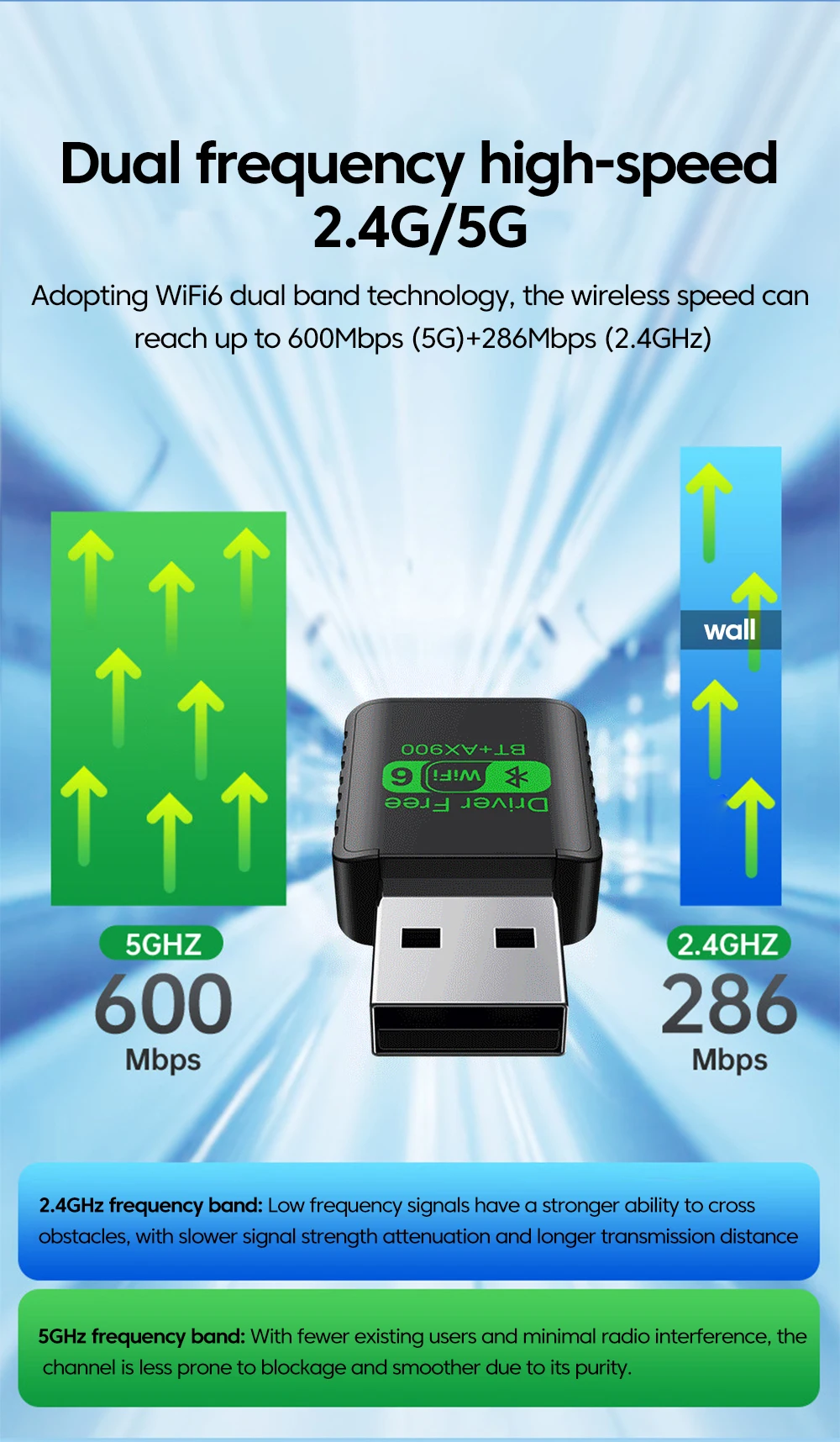
Delivers combined dual-band wireless transfer speeds up to AX900Mbps (approx. 286Mbps on 2.4GHz + up to 600Mbps on 5GHz).
-
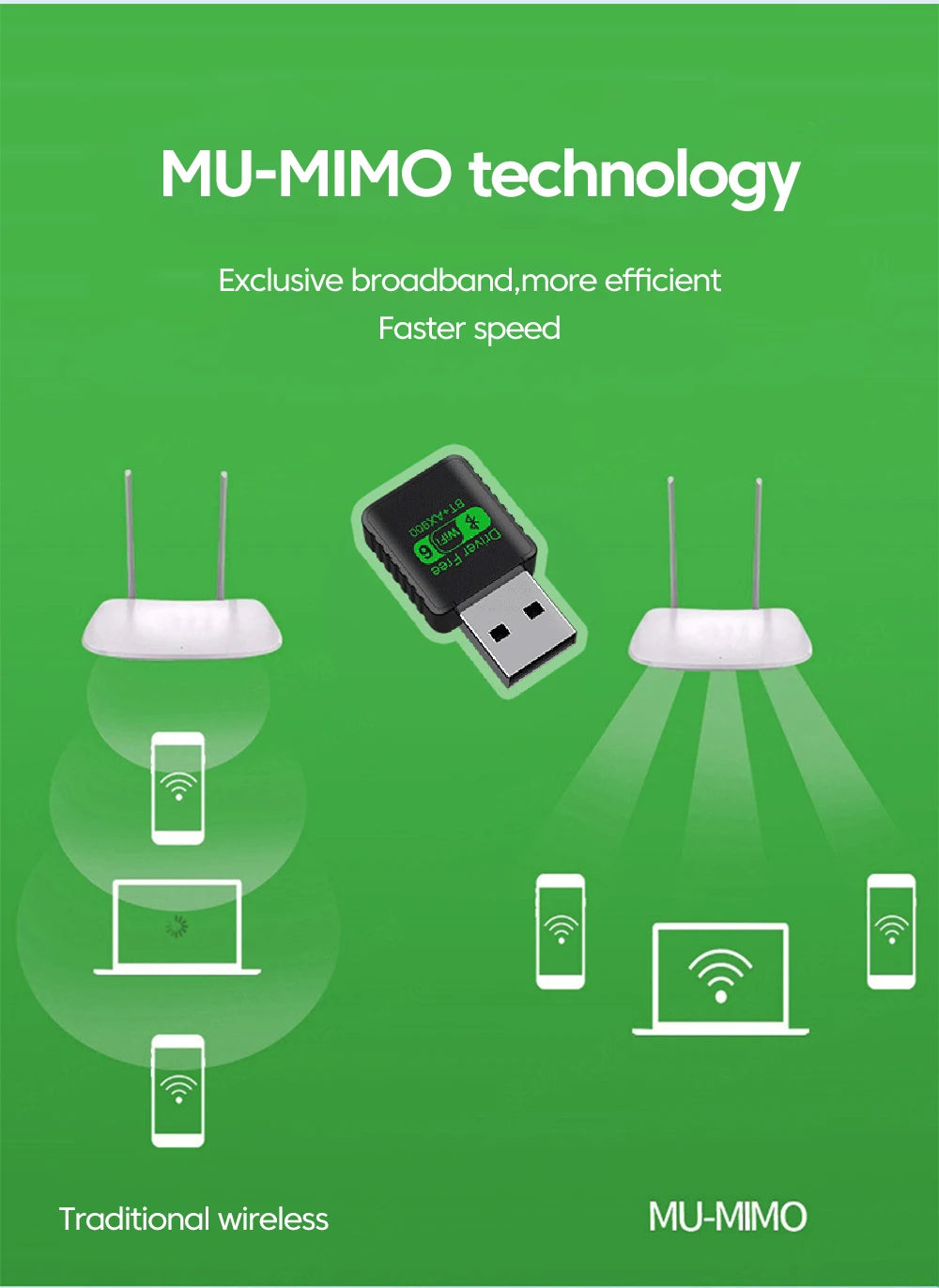
OFDMA & MU-MIMO Technology: Transmits data to multiple devices concurrently, drastically reducing network congestion and input latency in busy multi-device households.
-
BSS Coloring & 1024-QAM: Enhances channel separation and packs more data into each transmission packet for faster throughput through interior drywall and partitions.
-
-
Dual-Band 2.4GHz & 5GHz Flexibility:
-
5.0GHz Band: Ultra-fast, clean connection ideal for competitive online gaming, high-definition video calls, and buffer-free streaming.
-
2.4GHz Band: Delivers long-range penetration and wide coverage across multiple rooms and thick interior walls.
-
-
Advanced Bluetooth 5.4 Technology:
-
Features the latest Bluetooth 5.4 low-energy (BLE) chipset, delivering faster pairing speeds, double the data transmission rate, and significantly lower power consumption than legacy BT 4.0/5.0.
-
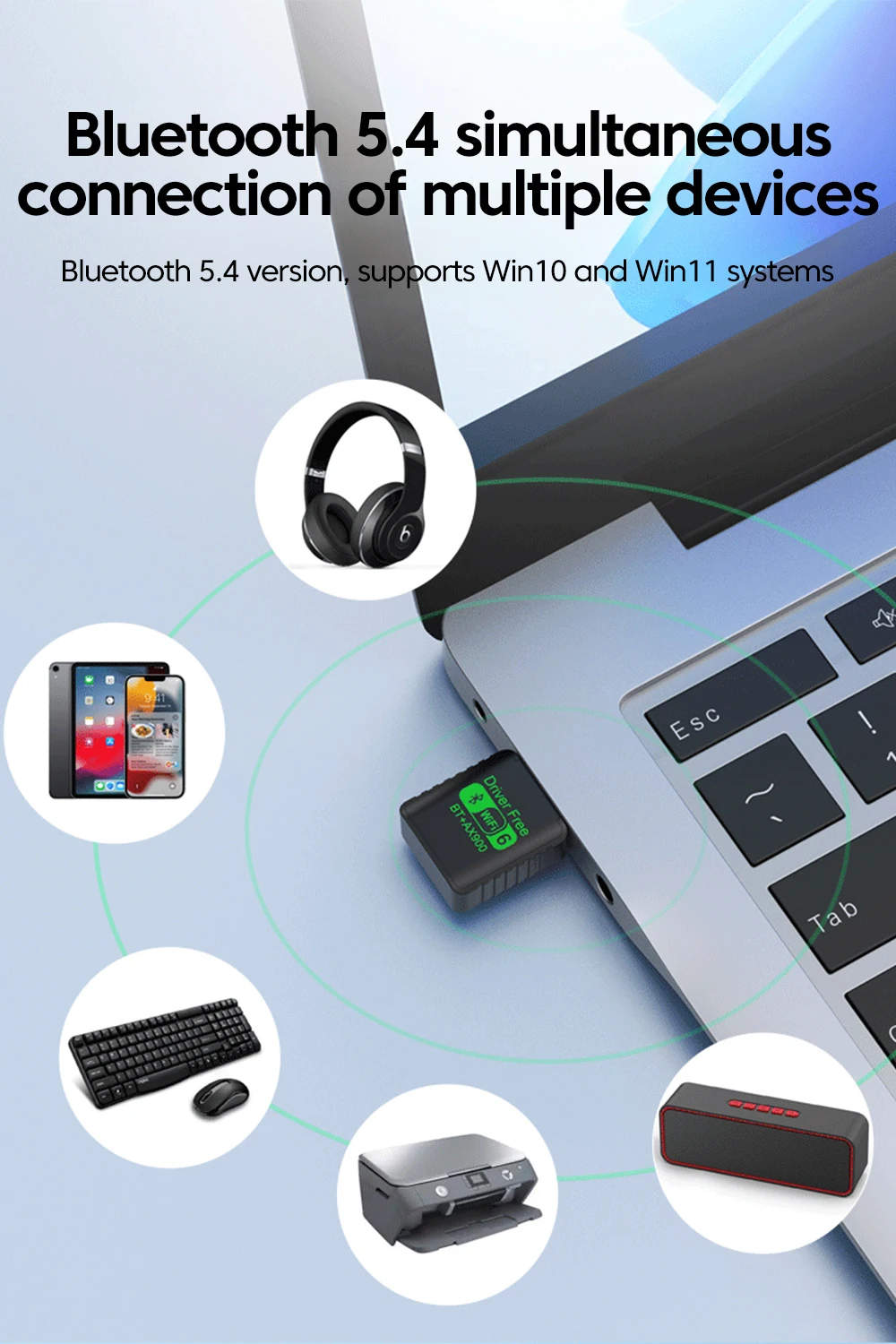
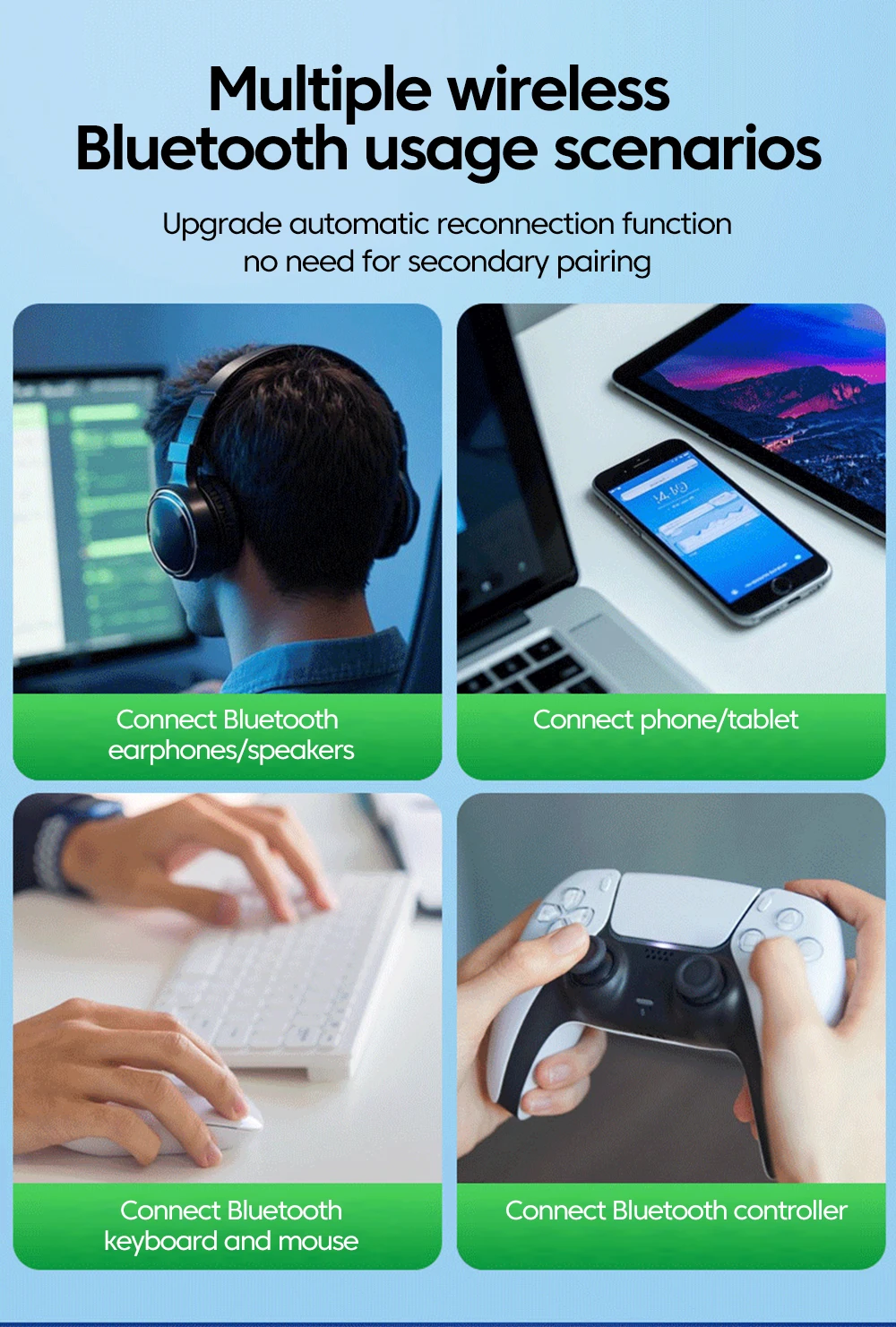
Zero Audio Latency: Provides crystal-clear, lip-sync-accurate sound for Bluetooth headphones, TWS earbuds, and portable speakers.
-
Multi-Device Pairing: Pair and connect up to 5–7 wireless Bluetooth devices simultaneously, including wireless mice, keyboards, game controllers (Xbox/PS), printers, and smartphones.
-
-
Driver-Free Plug-and-Play Installation:
-
Built-in internal flash storage holds the device installation files directly on the dongle.
-
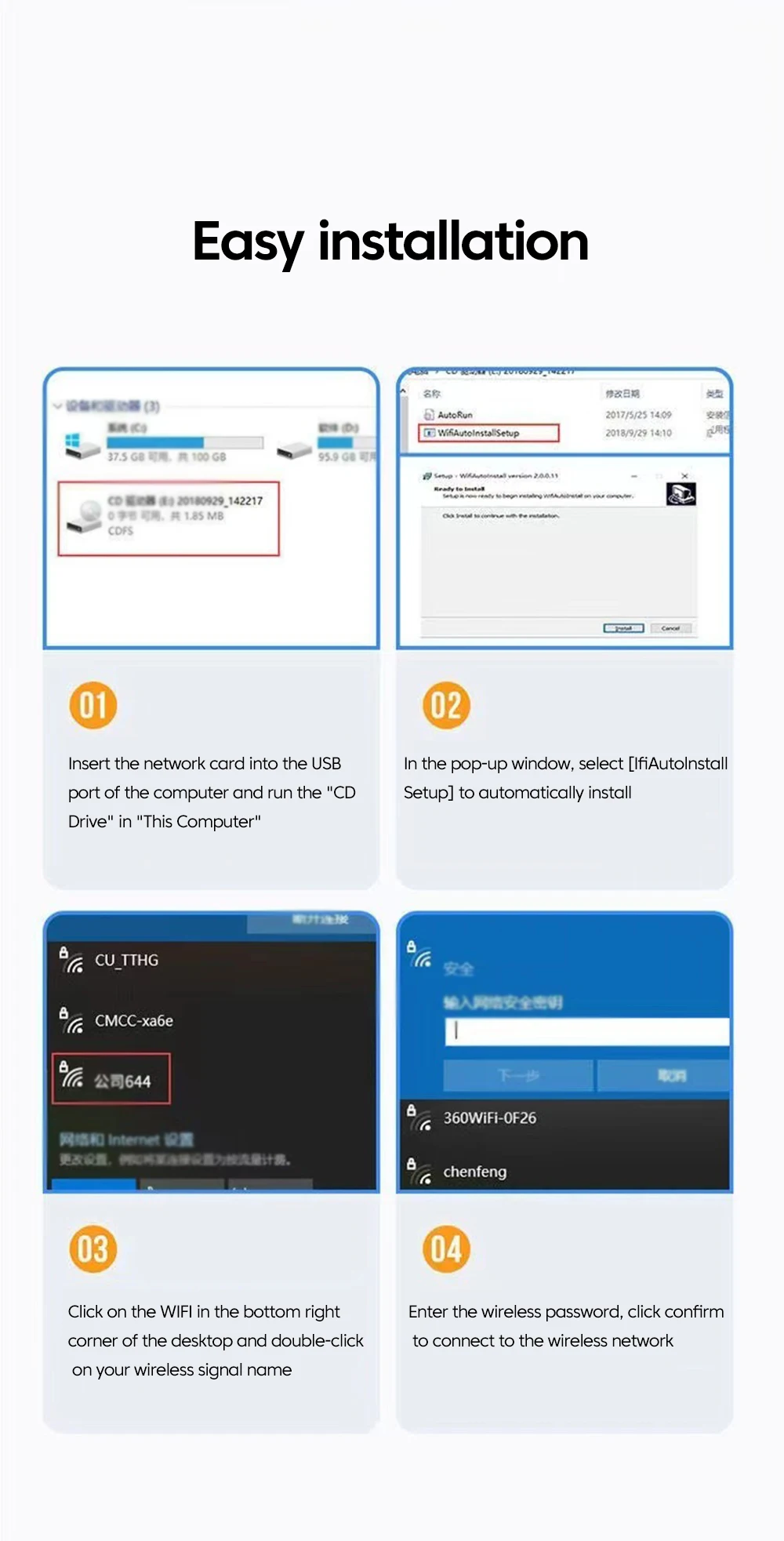
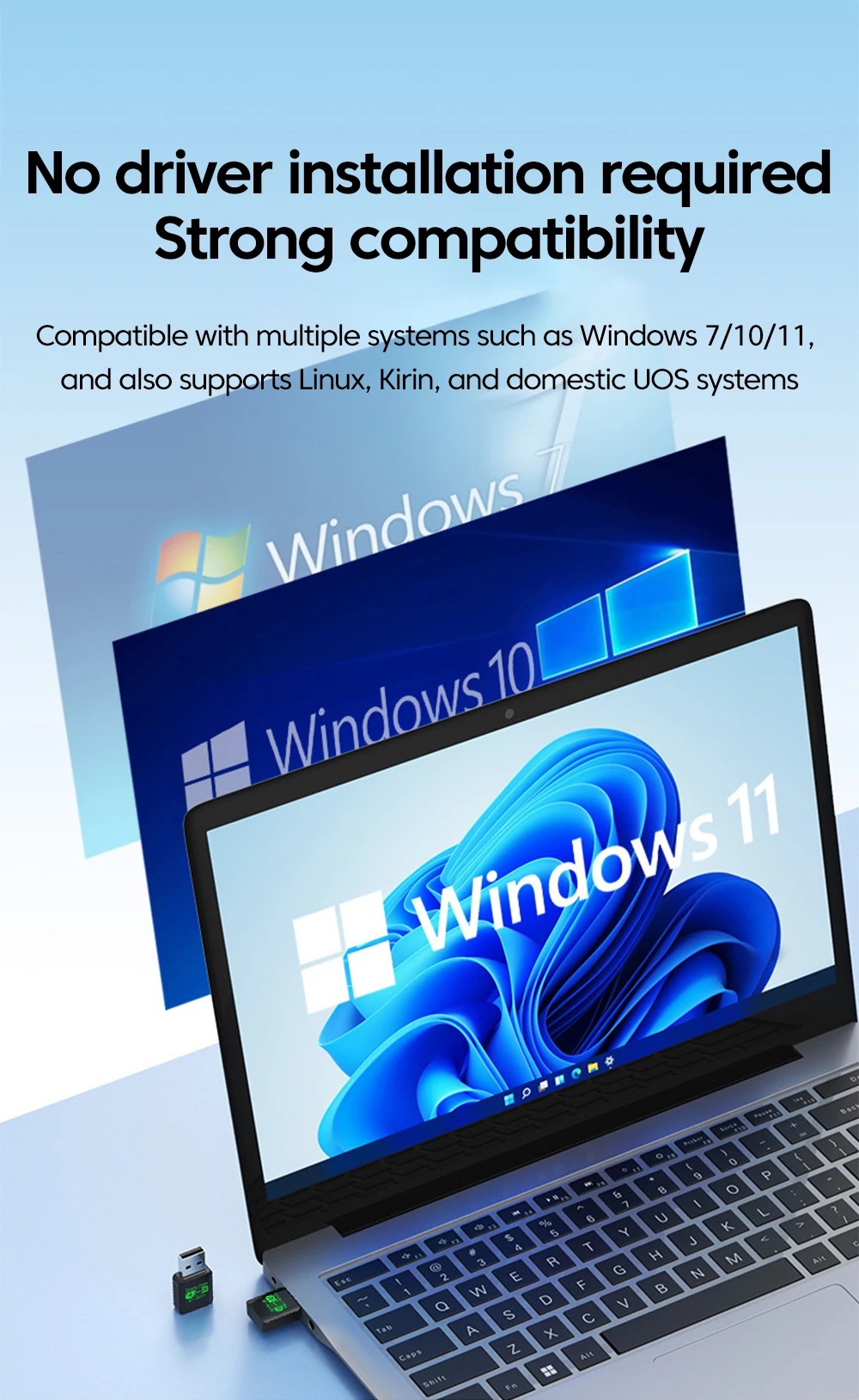
Simply insert the USB adapter; click the pop-up virtual drive installation wizard on modern Windows PCs to auto-install drivers in under 30 seconds—no optical drive or secondary internet connection needed.
-
-
Ultra-Compact Mini Form Factor:
-
Sleek thumb-sized housing sits cleanly against computer ports without blocking adjacent USB slots.
-
Portable and safe to leave plugged into laptops during transit in laptop bags or backpacks.
-
-
Next-Level WPA3 Network Security:
-
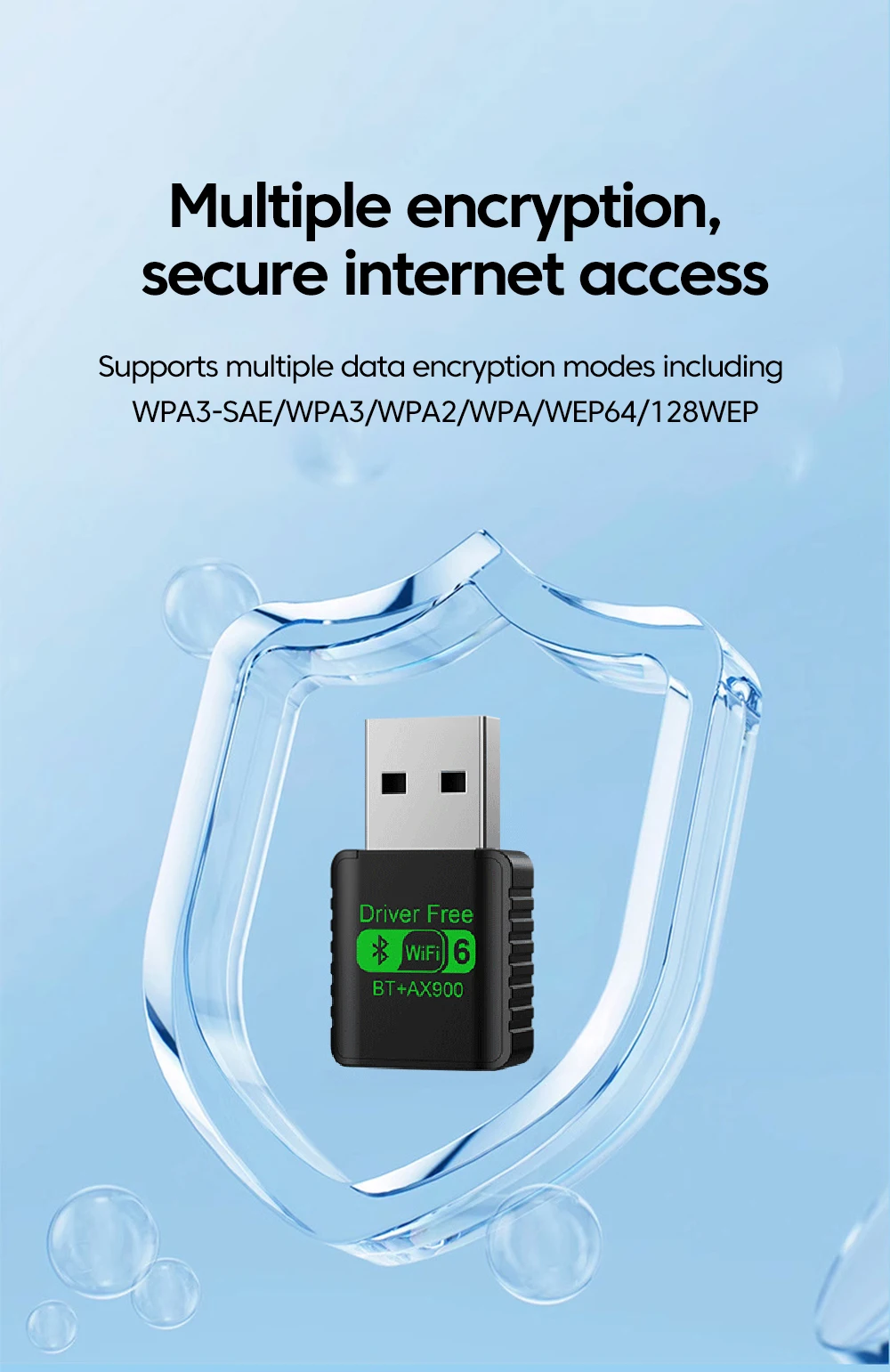
Supports the latest WPA3-SAE encryption standard, safeguarding personal data and network passwords against brute-force attacks and wireless snooping.
-
Broad Universal Applications & Target Uses
-
Desktop PC Wireless & Bluetooth Upgrade: Add both high-speed WiFi and modern Bluetooth connectivity to custom desktop towers with a single USB stick—saving valuable internal PCIe slots.
-
Laptops with Outdated Internal Cards: Replace aging 802.11n or broken internal network cards without dismantling fragile laptop casings.
-
Lag-Free Online Gaming & Video Calls: Maintain stable ping and jitter-free video conferences on Zoom, Microsoft Teams, and Discord.
-
Cordless Desk Cleanups: Connect wireless Bluetooth mechanical keyboards, trackpads, and headsets simultaneously to eliminate messy desktop cabling.
-
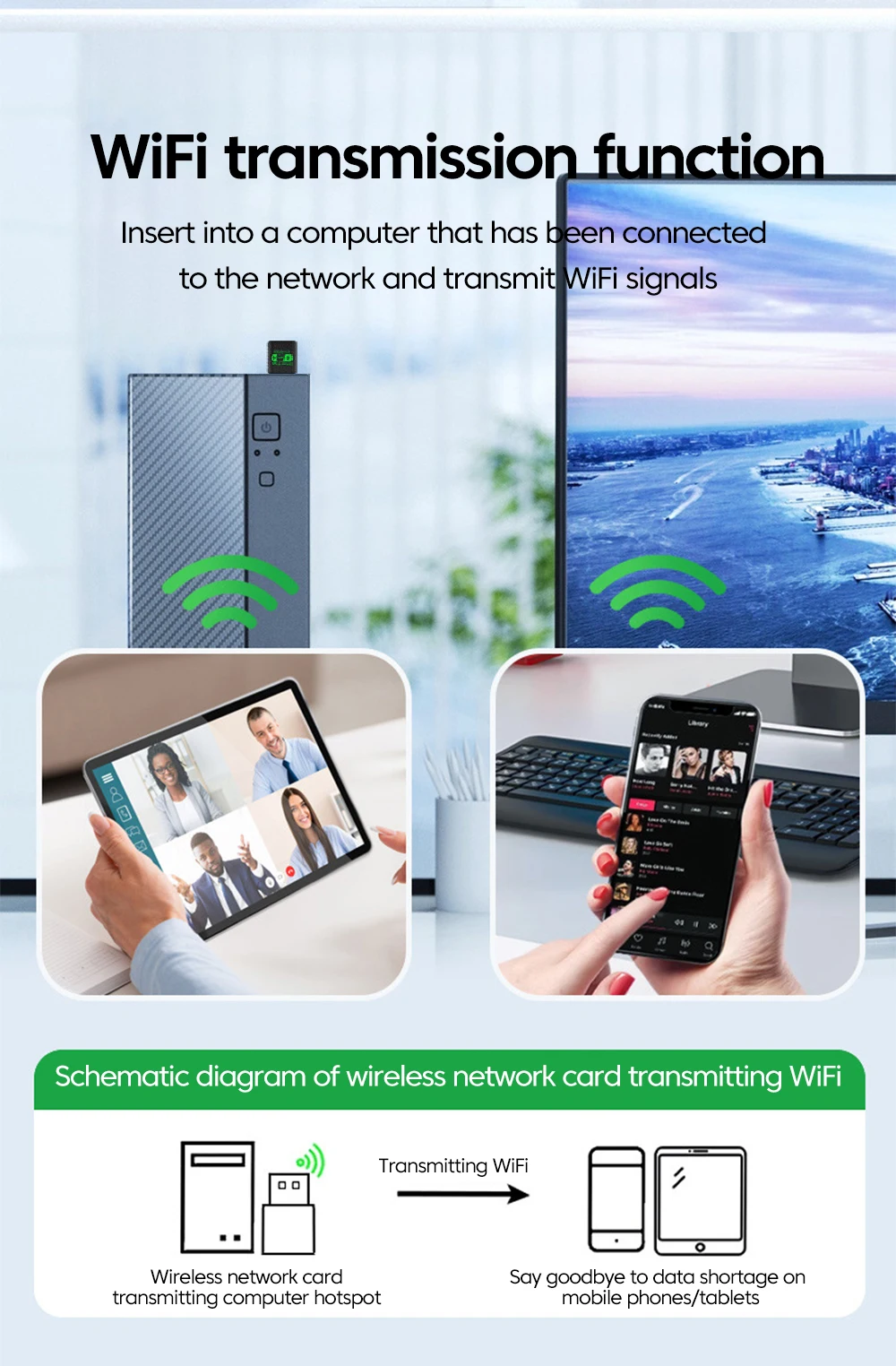
Travel & Mobile Hotspot Connectivity: Easily connect laptops to mobile phone hotspots or hotel WiFi 6 networks on the go.
Quick 4-Step Setup & Installation Guide
-
Insert Adapter: Plug the adapter into an open USB 2.0 or USB 3.0 port on your desktop PC or laptop.
-
Auto-Install Driver: Open "This PC" (or file explorer), double-click the newly detected CD/virtual drive icon, and run the automated setup wizard to install both WiFi and Bluetooth drivers.
-
Connect to WiFi: Click the WiFi icon in your Windows system tray, select your 2.4GHz or 5GHz wireless SSID, enter your network password, and connect.
-
Pair Bluetooth Peripherals: Open Windows Settings > "Bluetooth & devices", turn on Bluetooth, and click "Add device" to pair your wireless headphones, controller, or mouse.