Computer Camera Full HD 1080P USB with Microphone (Sale)
- Product Code: CAW069
- EAN: 202008150010
- Availability: 100
Computer Camera Full HD 1080P USB with Built-In Microphone (Sale)
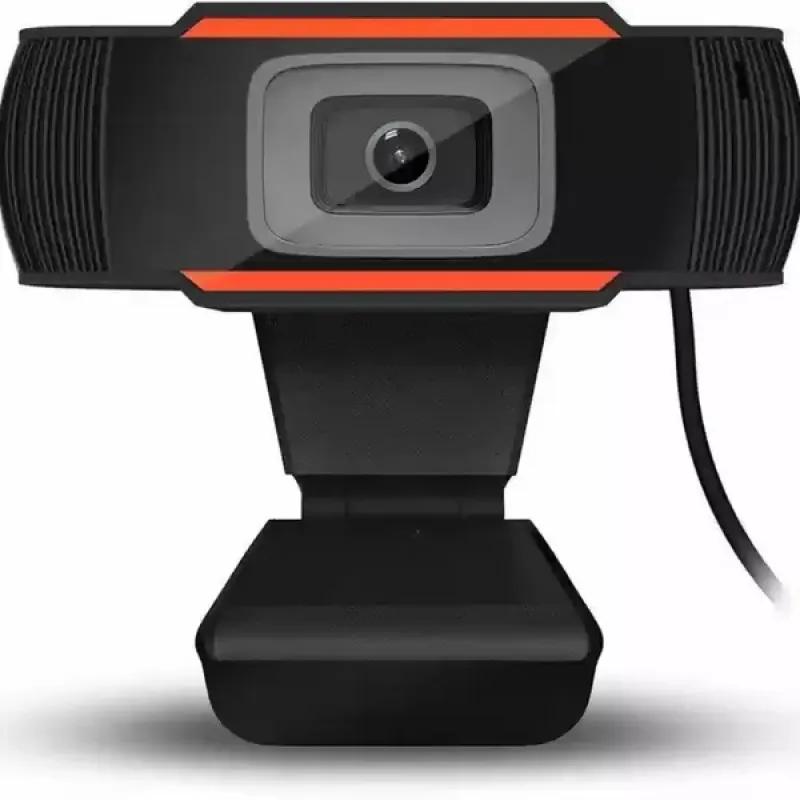
Upgrade your virtual meetings, distance learning, streaming, and video calling setup with the Computer Camera Full HD 1080P USB with Microphone. Engineered with a high-definition optical glass lens and an advanced CMOS image sensor, this webcam delivers sharp 1080p video clarity at a fluid 30 frames per second, ensuring you look crisp and professional on every call.
Featuring an integrated noise-reducing digital microphone, it captures natural voice audio clearly up to several meters away while filtering out distracting ambient background noise. Operating on a 100% plug-and-play USB connection, it requires no driver installations or external power supplies—simply plug it into your PC, laptop, or Mac to start streaming and conferencing immediately.
Key Features & Specifications
-
Product Type: Full HD 1080P USB Web Camera / Desktop Webcam with Microphone.
-
High-Definition Video Performance:
-
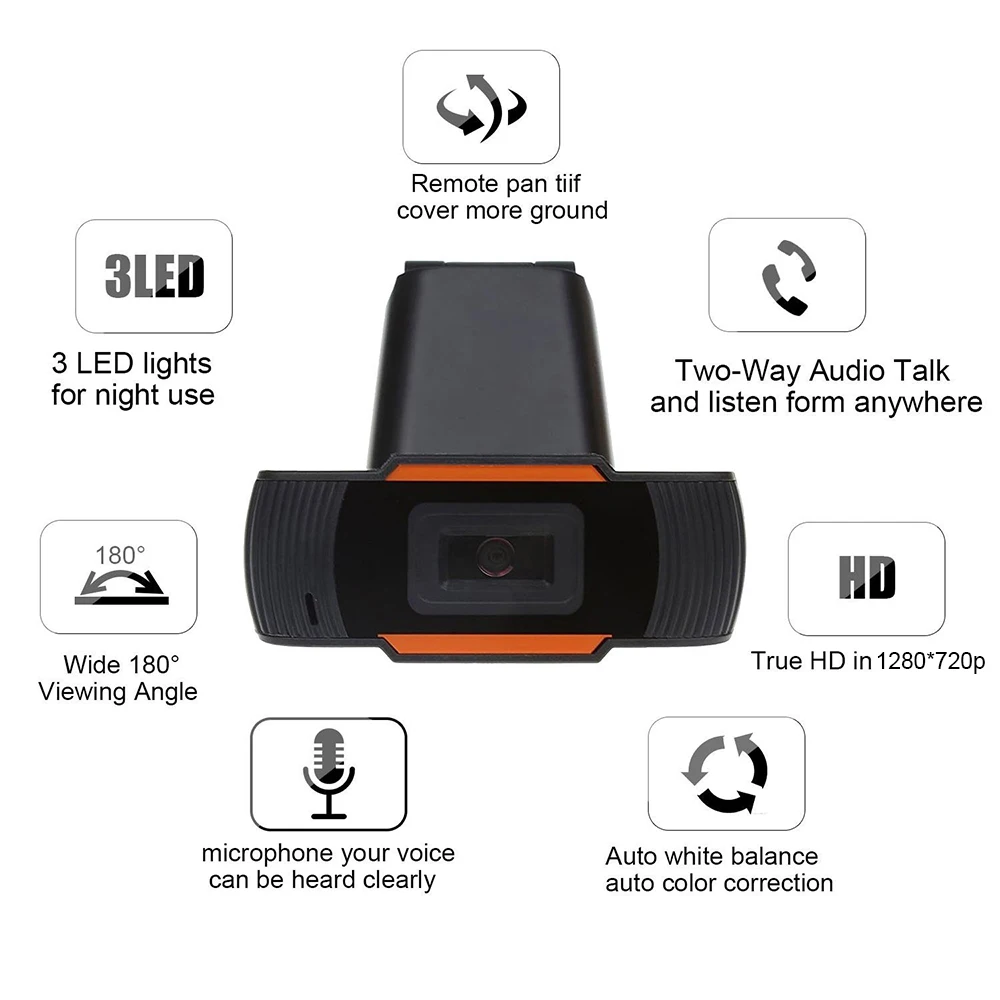
Video Resolution: Native Full HD 1080p (1920 × 1080) resolution at smooth 30fps.
-
Multi-layer optical glass lens ensures sharp image capture with accurate color reproduction.
-
Auto Light Correction: Automatic low-light compensation adjusts exposure and white balance dynamically to keep video bright and clear even in dimly lit rooms.
-
-
Integrated Noise-Cancelling Microphone:
-
Built-in omnidirectional acoustic microphone captures crisp, natural speech up to 3–5 meters away.
-
Smart noise-reduction filtering suppresses keyboard clatter, fan hums, and ambient background noise.
-
-
True Plug-and-Play USB Connectivity:
-
Universal USB 2.0 / USB 3.0 Type-A interface.
-
Driver-free UVC (USB Video Class) protocol enables instant setup—no CD installations, drivers, or software downloads needed.
-
Bus-powered directly via your computer’s USB port with zero external DC power supplies or charging cords required.
-
-
Versatile Flexible Mounting System:
-
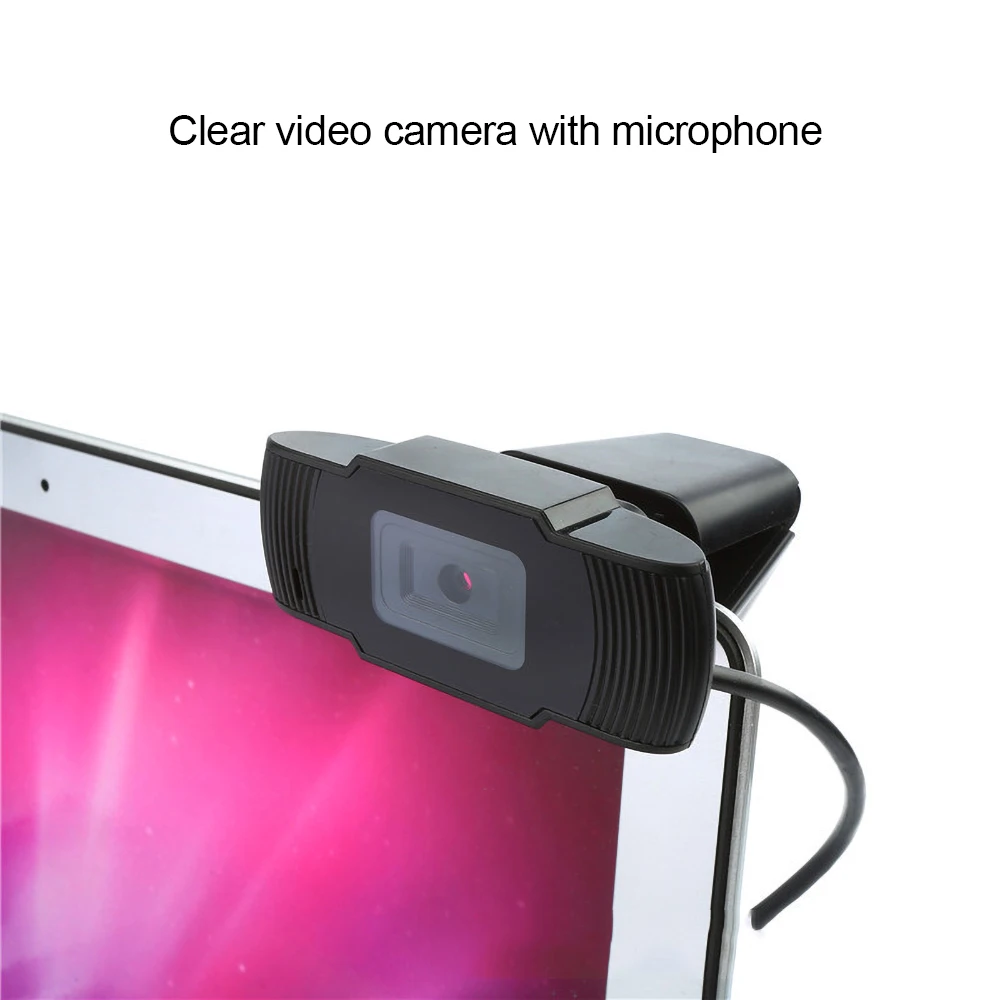
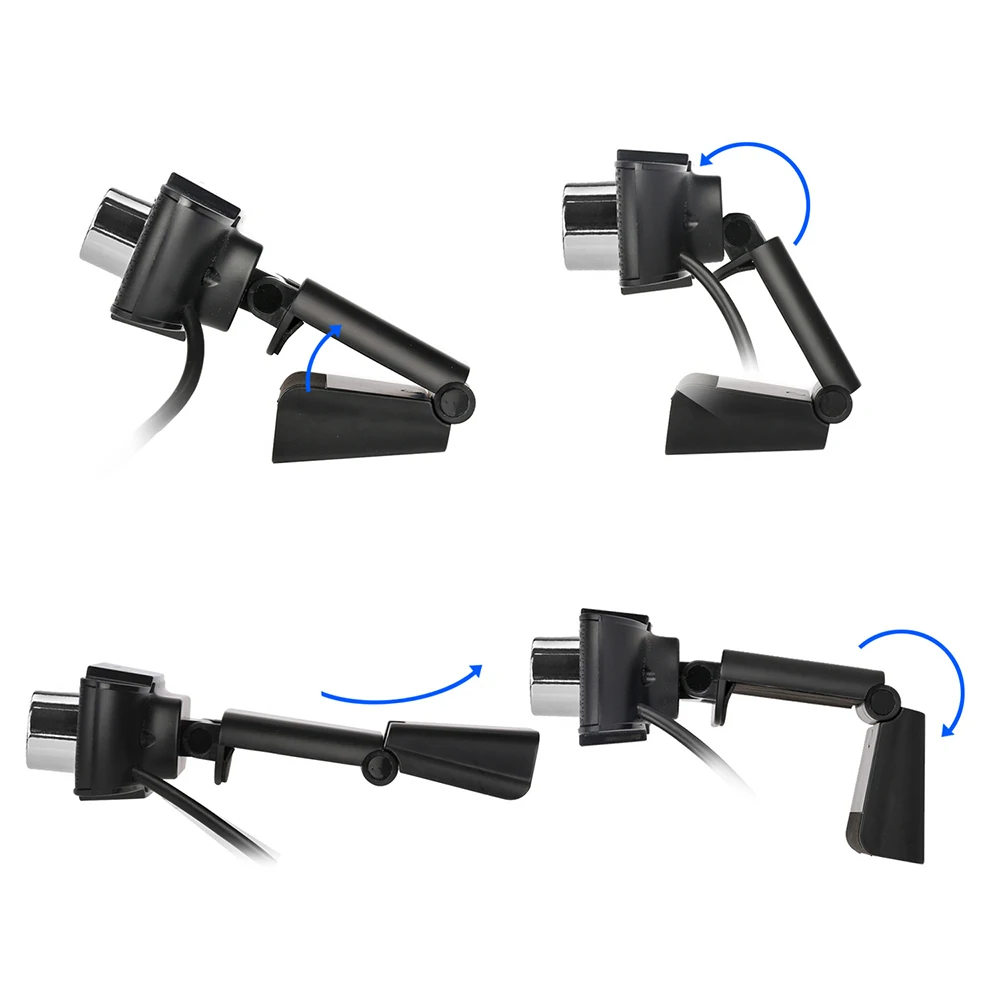
Universal adjustable tension clip clamps securely onto ultra-thin laptop displays, thick desktop monitors, and smart TVs without damaging bezels.
-
Foldable base doubles as a standalone desktop stand to rest stably on flat tables or desk risers.
-
Standard 1/4-inch tripod screw thread built into the base for mounting onto mini desktop tripods.
-
360° Rotary Head: Swivels horizontally and tilts up/down to help you find the ideal camera angle quickly.
-
-
Universal Operating System Compatibility:
-
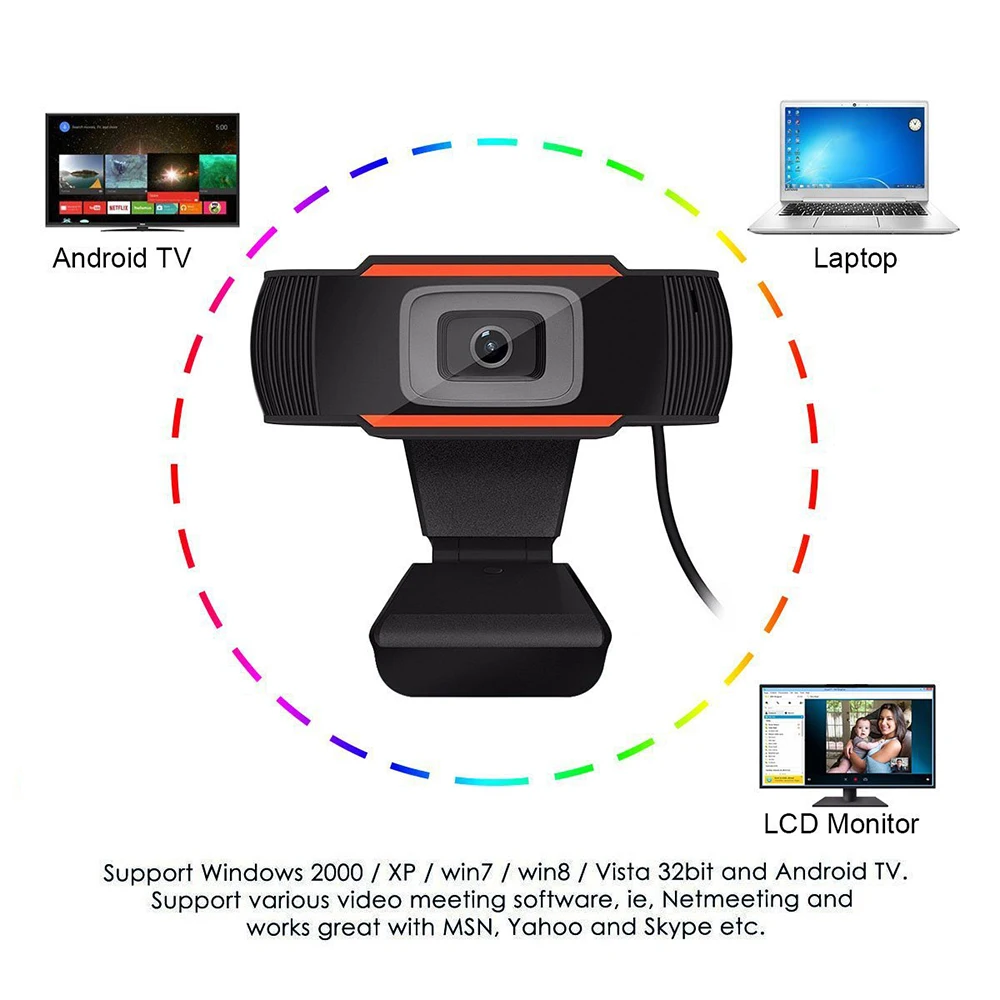
Compatible across Windows (11, 10, 8, 7), macOS, Chrome OS, Linux, and Android TV.
-
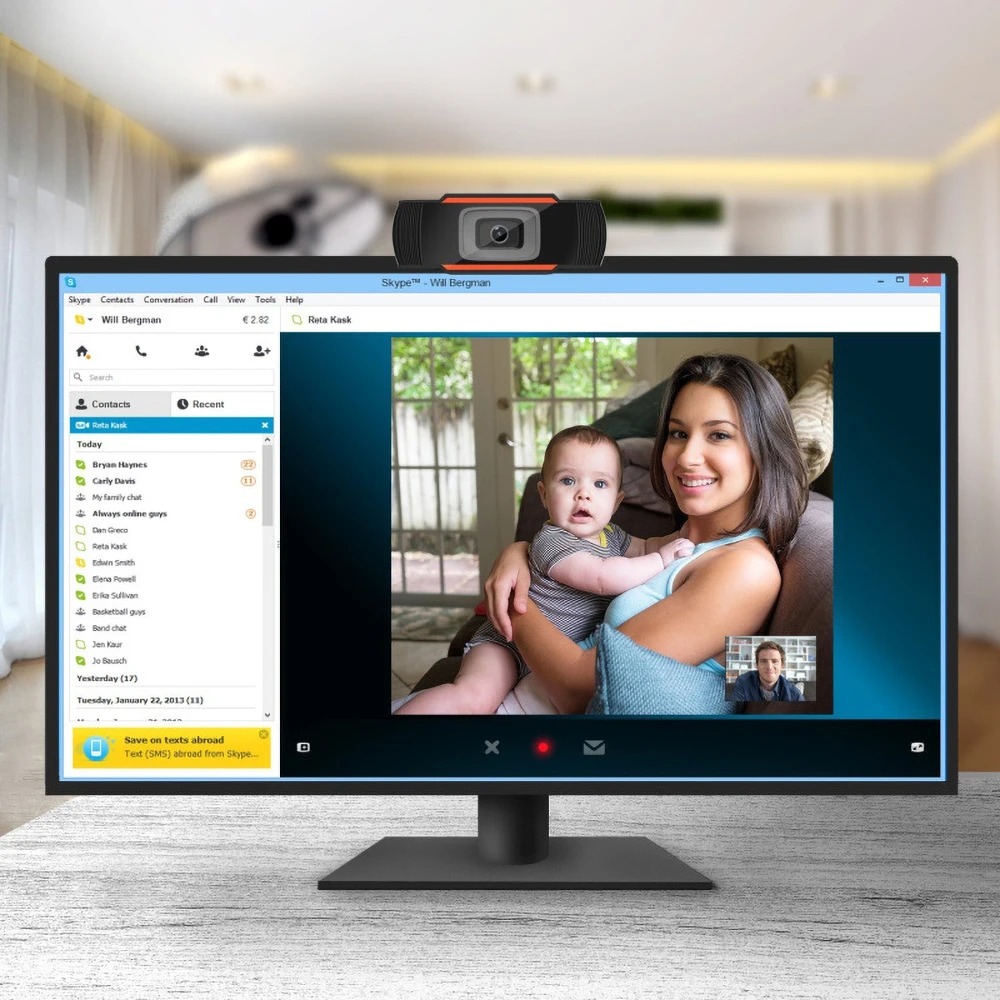
Works seamlessly with Zoom, Microsoft Teams, Google Meet, Skype, Webex, OBS Studio, YouTube, and Twitch.
-
Broad Universal Applications & Target Uses
-
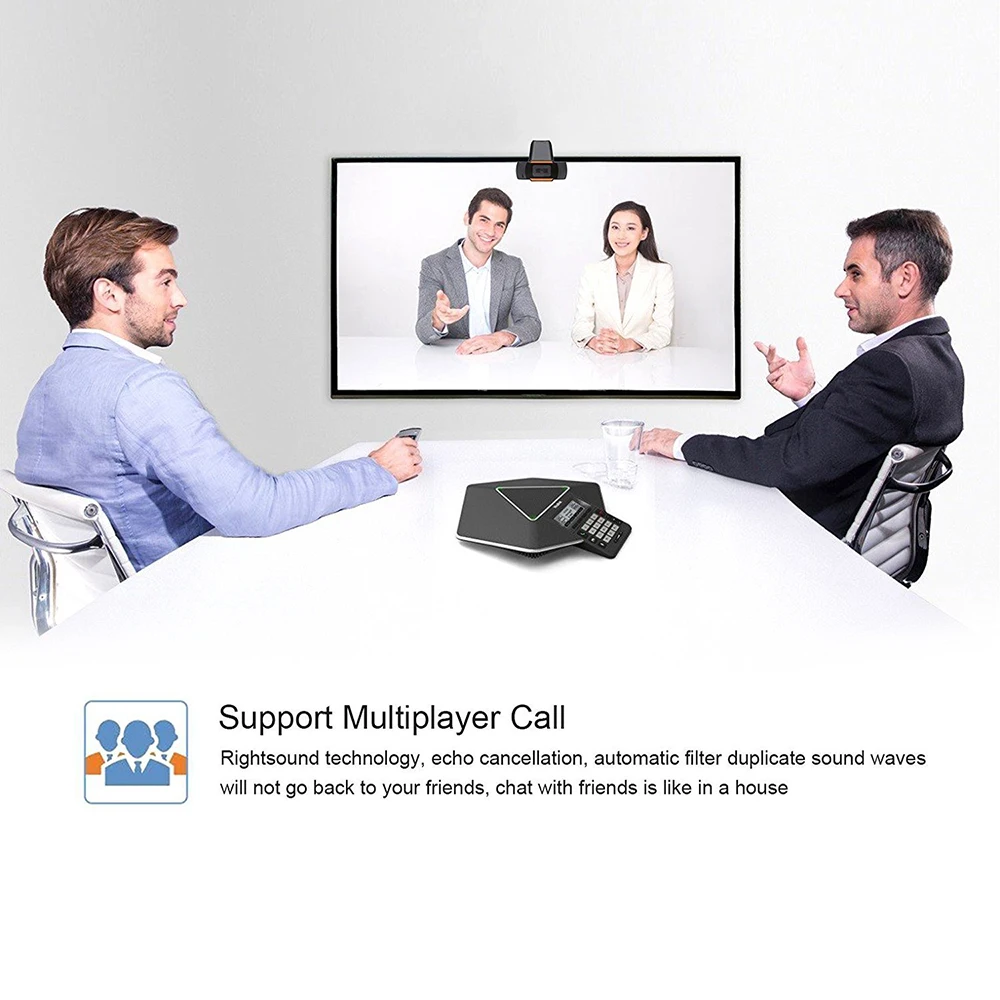
Remote Work & Video Conferencing: Present clearly in high definition during executive meetings, daily team scrums, and client check-ins on Zoom and Microsoft Teams.
-
Online Education & Tutoring: Ideal for teachers, lecturers, and students attending online lectures, digital seminars, and language courses.
-
Livestreaming & Content Creation: Stream live gameplay, creative demos, and webcam reaction videos to YouTube, Twitch, or Facebook Live.
-
Family & Friends Video Calls: Stay connected with loved ones across the globe via clear widescreen video over Skype, WhatsApp, or Facebook Messenger.
-
Telehealth & Virtual Consultations: Delivers high-contrast, lifelike video fidelity for remote consultations, client interviews, and identity verification.
Quick 4-Step Setup & Operation Guide
-
Mount Camera: Open the mounting clip base, place the webcam on top of your monitor or laptop lid, and press the rear foot flush against the display casing to secure it.
-
Connect Cable: Plug the webcam’s USB cable into an available USB-A port on your desktop PC or laptop.
-
Automatic Driver Detection: Allow your computer operating system 5 to 10 seconds to detect and automatically initialize the webcam hardware.
-
Select & Call: Open your preferred video calling application (e.g., Zoom, Google Meet), navigate to settings, select the webcam for both Camera and Microphone input, and start your call.